AI Lab
A creative playground for AI-assisted experiments. Quick builds, rapid learning, and ideas that became working tools.
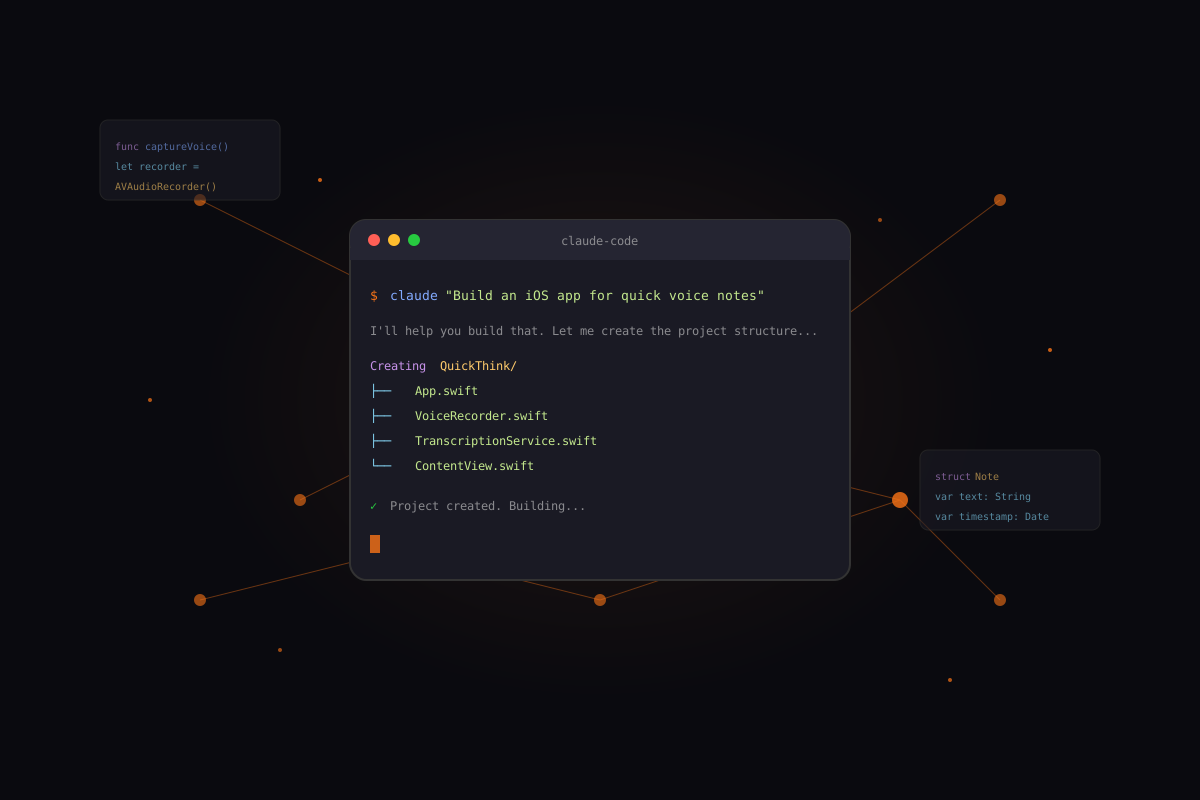
This is how it starts. A question, a prompt, and curiosity.
My Approach
I don't use AI to skip the design process—I use it to iterate faster on more ambitious ideas.
Intent First
Define the problem clearly before prompting. The better I articulate what I want, the better the output.
Fast Loops
Prototype in hours, not weeks. Speed enables risk-taking—ambitious ideas become low-stakes experiments.
Ship & Learn
Real users teach more than assumptions. Deploy early, gather feedback, iterate with purpose.
Experiments
Quick builds that validated ideas and taught lessons.
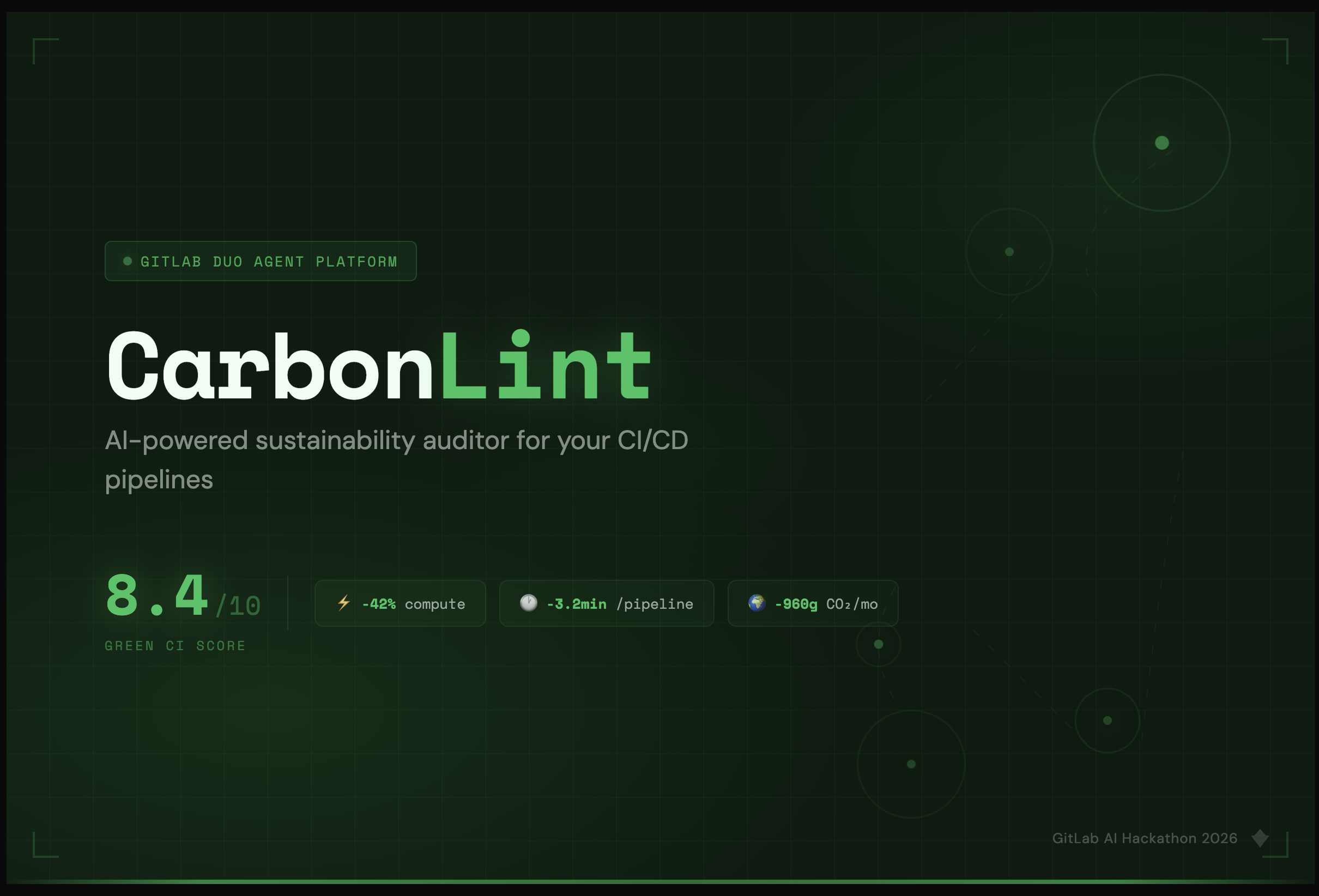
CarbonLint
View LiveCan AI help reduce the carbon footprint of CI/CD pipelines?
Agent platforms unlock powerful automation. 25+ GitLab tools working together delivered impact a single prompt never could.
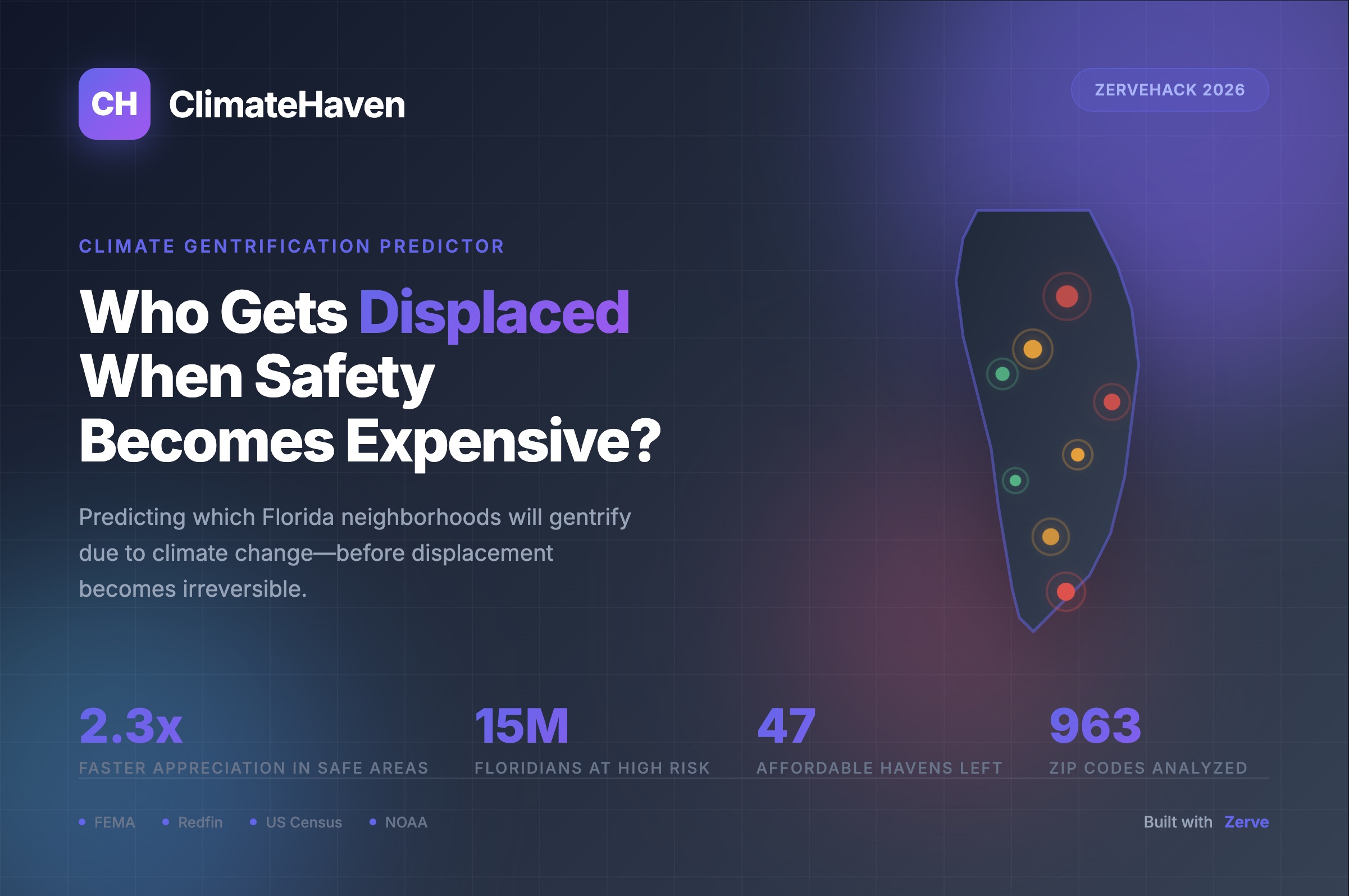
ClimateHaven
View LiveCan data predict which neighborhoods will gentrify due to climate change?
Combining FEMA flood data, housing prices, and demographics revealed patterns invisible to any single dataset.
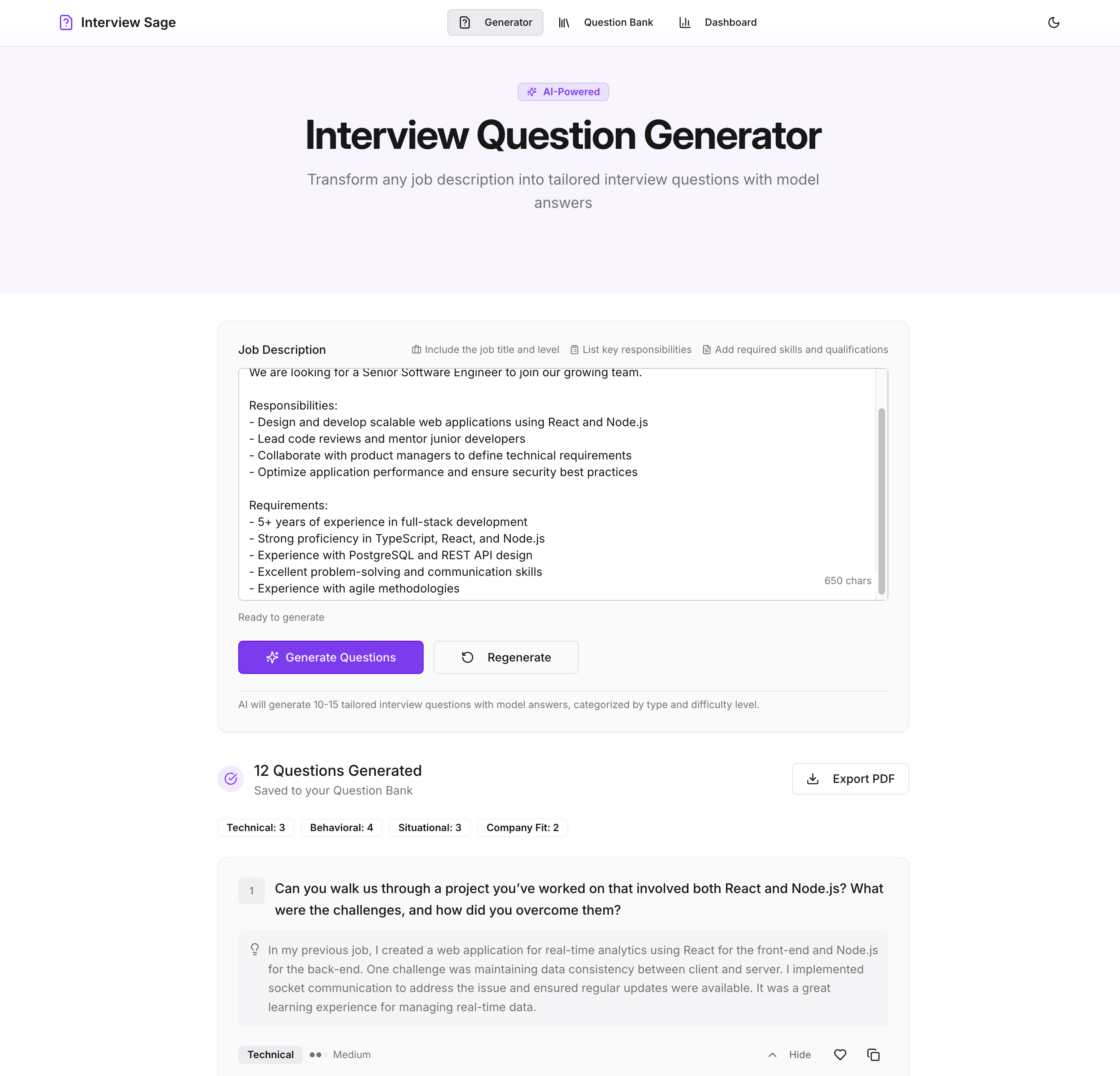
Interview Sage
View LiveCan AI provide meaningful interview practice and feedback?
Speed dramatically lowers the barrier to shipping useful products. Ideas don't have to stay ideas—they can become working tools.
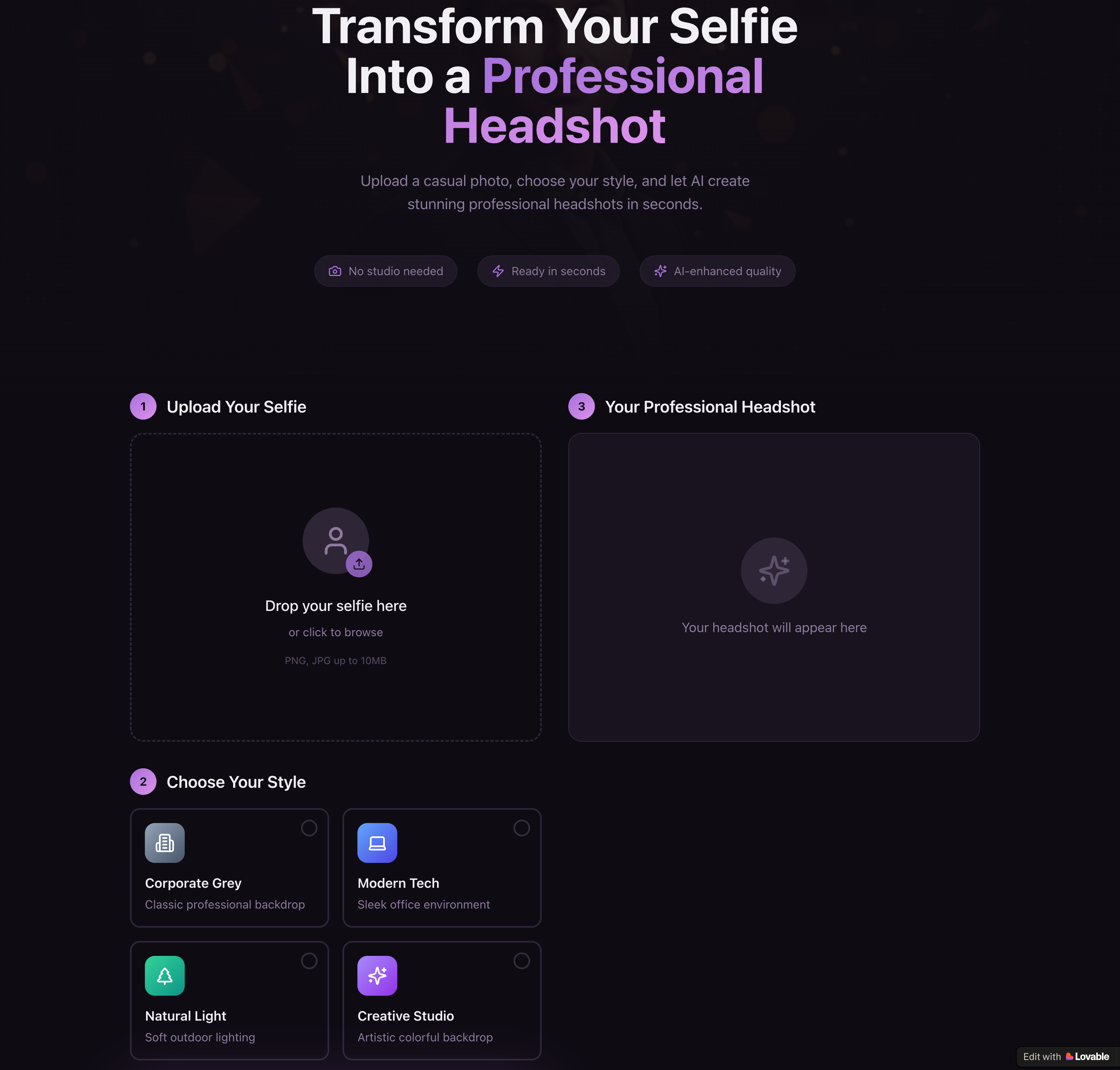
HeadshotAI
View LiveCan no-code AI tools create professional-grade image applications?
Visual builders force clearer thinking about user flow. Constraints aren't limitations—they're design decisions made for you.
AI Toolbox
Different tools for different jobs. Here's what I've learned about each.
GitLab Duo
Agent platforms shine when orchestrating multiple specialized tools
Claude Code
Pair programming with AI that understands context across files
Cursor
Best for iterative refinement when you know what you want
Replit Agent
Lowest friction from idea to deployed app
Lovable
Perfect for validating ideas without writing code
DALL-E
Style consistency requires careful prompting and iteration
v0 by Vercel
Great for quickly visualizing component ideas before building
What I've Learned
Prompting is a Design Skill
The quality of AI output directly reflects the clarity of input.
"Make me a login page" "Create a login page for elderly users with high contrast, 18px min font, single-column layout, and clear error states" Speed Changes What's Possible
When building takes hours instead of weeks, you can chase ideas that seemed too risky before.
AI Amplifies, Not Replaces
Every project still required design decisions: What problem matters? What flow feels right? AI handled implementation; I owned the intent.
Currently Exploring
Work in progress. Ideas taking shape.
AI Agents for Design
Building autonomous assistants for design system maintenance
Design-to-Code Workflows
Figma to production code with AI translation
AI for Accessibility
Automated accessibility checking and fix suggestions
Have a project idea? Let's chat.